Neo Player App Icon
Minimal permissions • Lightweight
Smooth playback • Clean UI

Neo Player
Fast • Clean • Modern

A modern media player designed for smooth playback and a distraction-free experience. Built with performance and simplicity in mind.

Package: com.player.neoplayer • Official site: neoplayer.org
Highlights
Simple • Reliable
High Performance
Optimized playback flow for a smooth experience.
Clean Interface
Modern UI focused on what matters: the media.
Privacy-minded
No unnecessary permissions for normal usage.
Responsive Layout
Looks great on mobile, tablet, and desktop.
Features

A premium, simple experience — designed to stay fast, clean, and reliable.

Smooth Playback

Optimized for stable performance and fluid controls.

Simple Controls

Easy navigation with a modern, minimal interface.

Modern Design

Premium look with a clean layout and readable typography.

Trust & Safety

A website that supports Play Store trust (policy-safe content).

Official Web Presence

Clear info, screenshots, and support links in one page.

Support Ready

Contact section for user support and policy compliance.

Screenshots

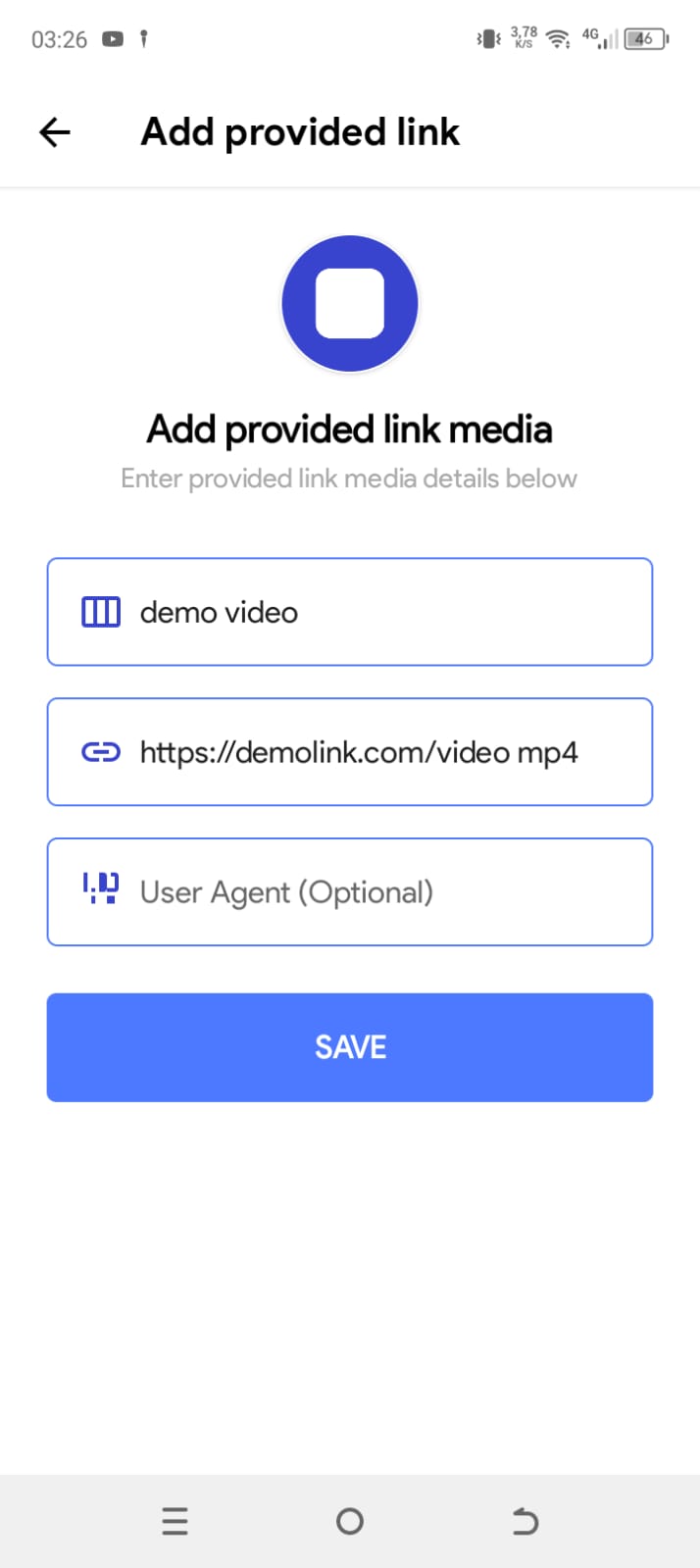
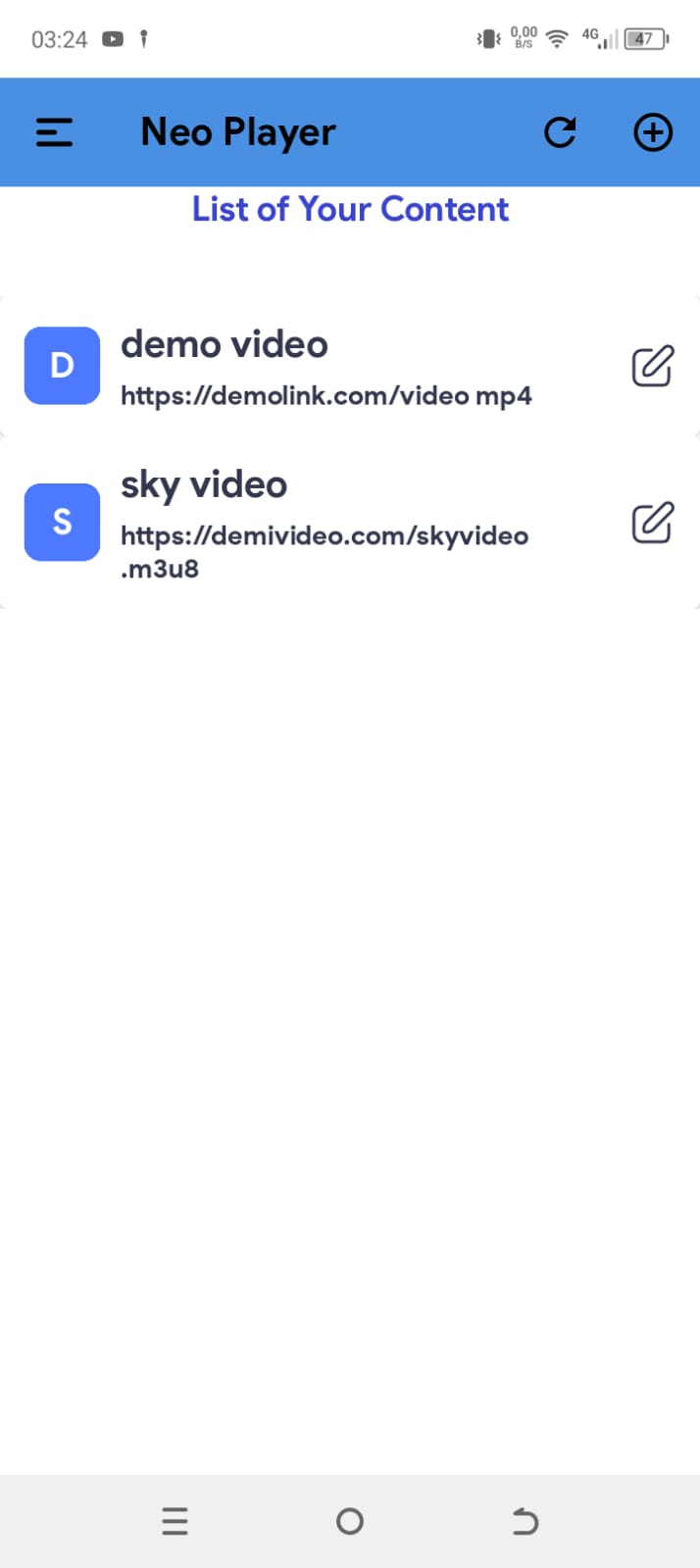
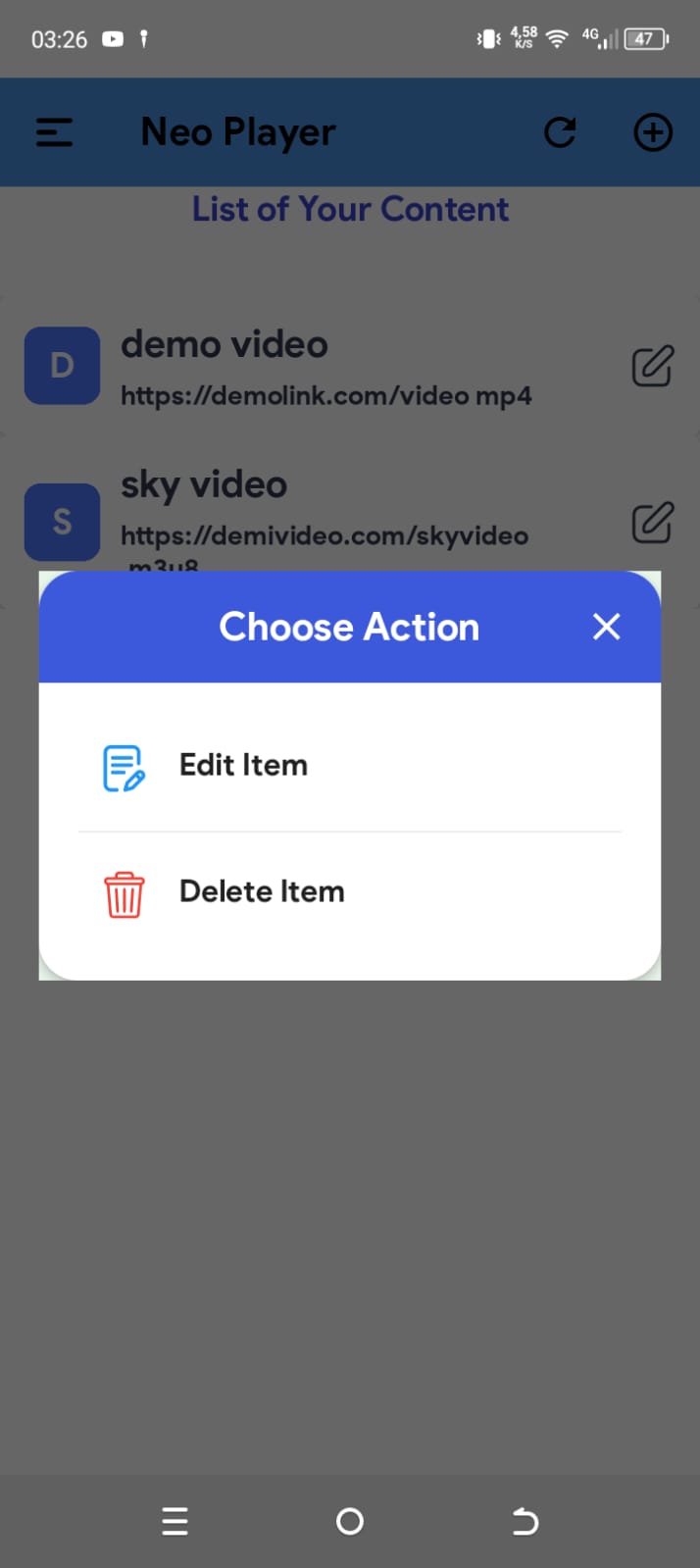
Use your official Play Store screenshots (Google CDN links).

FAQ

Quick answers for users and reviewers.

Yes. This site (neoplayer.org) provides official information, screenshots, and support contact for Neo Player.

No. Neo Player is distributed via Google Play only. This helps keep users safe and ensures trusted updates.

The app is designed to be privacy-minded. If ads/analytics are used (e.g., AdMob), they may collect limited device/usage identifiers under their policies. See the Privacy Policy section below.

Privacy Policy

A clean, reviewer-friendly summary (you can expand it later).

Last updated: 2026-02-18

1) Overview

Neo Player is a media player. We do not require account registration and we do not ask for personal details like name, phone, or address.

2) Data & Permissions

Neo Player aims to use minimal permissions. The app’s data handling depends on enabled third-party SDKs (for example, advertising or analytics).

3) Third-Party Services

If the app uses Google services such as AdMob or Firebase, those services may collect certain device/usage data for ads and analytics. This data is handled according to the providers’ policies.

4) Contact

If you have privacy questions, contact us at: [email protected]

Contact & Support

Need help or have a policy question? Send us a message.

Support Email
Google Play Listing
com.player.neoplayer
You can also add a simple contact form later, but email is enough for Play trust.
Quick Support Checklist
  • Describe the issue and your device model.
  • Include Android version.
  • Attach a screenshot if possible.
  • Mention the app version from Google Play.